Sensor Technology: Darkfield high precision Nominal value: 1000 DPI DPI (Minimal and maximal value): 200-8000 DPI (can be set in increments of 50 DPI)
Buttons
Number of Buttons: 7 buttons (Left/Right-click, Back/Forward, App-Switch, Wheel mode-shift, Middle click) Gesture button: Yes
Scroll Types
Scroll Wheel: Yes, with smart-shift Thumb wheel: Yes
Connectivity
Wireless technology: Bluetooth Low Energy Technology Wireless range: 32.8 ft (10 m)
Battery
Battery type: Rechargeable Li-Po (500 mAh) battery Battery life: Get three hours of use from a one-minute quick charge.
System Requirements
Requirements: Internet access required to download optional customization app Logi Options+*. (*Available on Windows and macOS at logitech.com/optionsplus)
Logi Bolt USB receiver: Requires: Available USB-A port Windows 10, 11 or later macOS 10.15 or later Linux*, ChromeOS*. (*Device basic functions will be supported without software for other systems than Windows and macOS)
Compatibility: Requires Bluetooth Low Energy Technology Engineered for Intel® Evo™ Laptops Windows 10, 11 or later macOS 10.15 or later Linux*, ChromeOS™*, iPadOS* 14 or later Android™* 8.0 or later, Not compatible with Logitech Unifying USB Receiver technology. (*Device basic functions will be supported without software for other systems than Windows and macOS)
Dimensions
MX Master 3S Mouse Height: 4.92 in (124.9 mm) Width: 3.32 in (84.3 mm) Depth: 2.01 in (51 mm) Weight: 4.97 oz (141 g)
Logi Bolt USB Receiver (Only for Standard Edition) Height: 0.24 in (6.11 mm) Width: 0.57 in (14.4 mm) Depth: 0.73 in (18.65 mm) Weight: 0.06 oz (1.68 g)
Model
910-007501
Color
Gray
Warranty
24 Months
Overview For Logitech MX Master 3S Bluetooth Edition Performance Wireless Mouse - Gray
Do More with Logi Options+
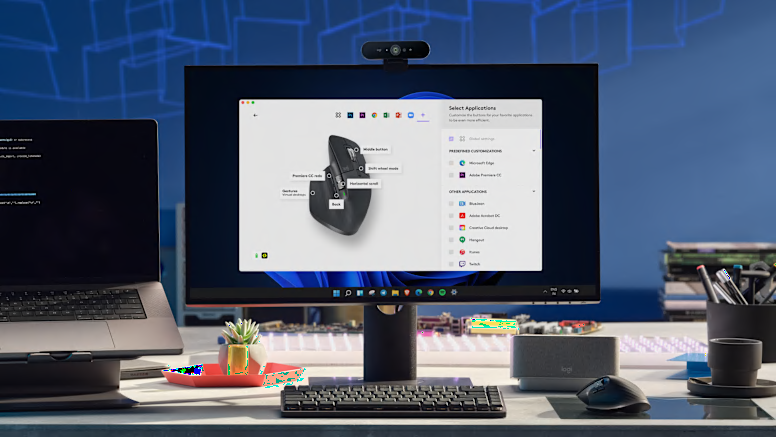
Do more with your mice with Logi Options+*. Work across devices and operating systems using Flow, customize individual buttons, set tracking speed, use predefined app-specific customizations and Smart Actions to optimize nearly every aspect of your workflow.
App-Specific Customizations
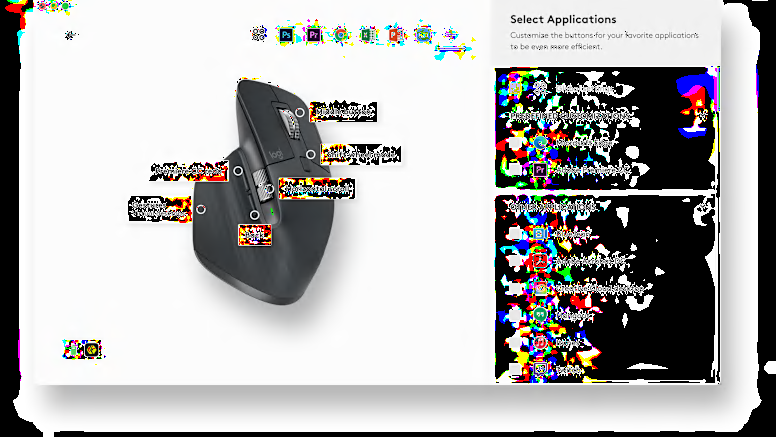
MX Master 3S is fully customizable in virtually every app you use with Logi Options+. You’ll work faster with predefined customizations optimized for your favorite apps such as Adobe Photoshop, Adobe Premiere Pro, Final Cut Pro, Google Chrome, Safari, Zoom, and Microsoft Teams, Word, Excel, PowerPoint, and Edge.
Flow Between Devices
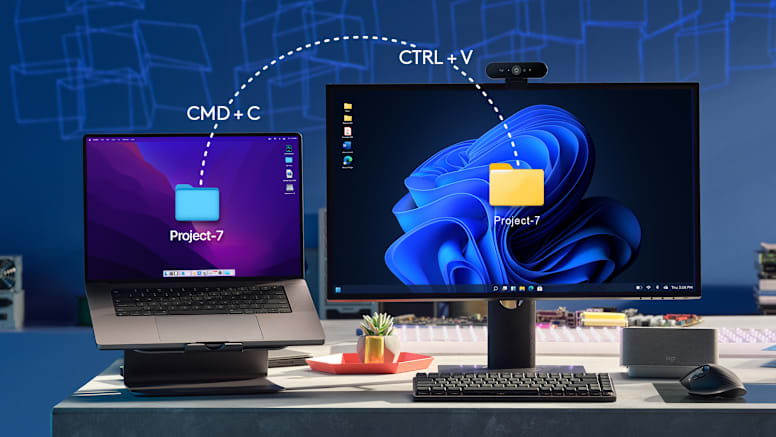
Logi Options+ lets you flow between computers by simply moving your cursor to the edge of the screen. Your MX keyboard follows your MX Master 3S and lets your workstream flow between Windows and macOS*. Effortlessly transfer text, images, and files between computers – just copy on one and paste to the other.
Charge Quickly, Connect Instantly
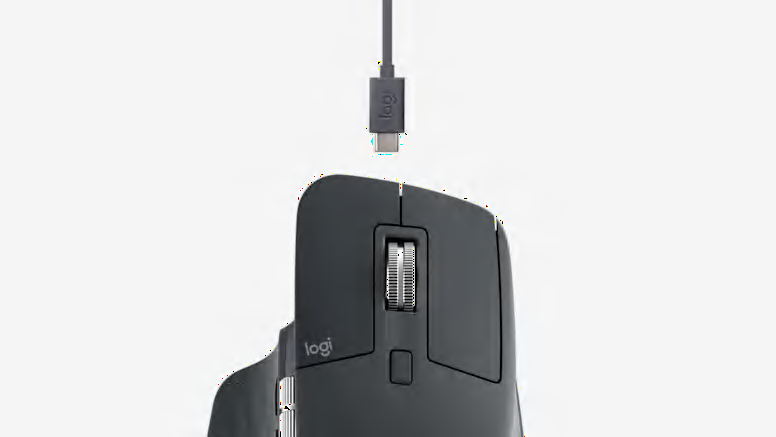
MX Master 3S stays powered for up to 70 days on a full charge – and gets three hours of use from a one-minute quick charge
Hand Sculpted, All Day Comfort
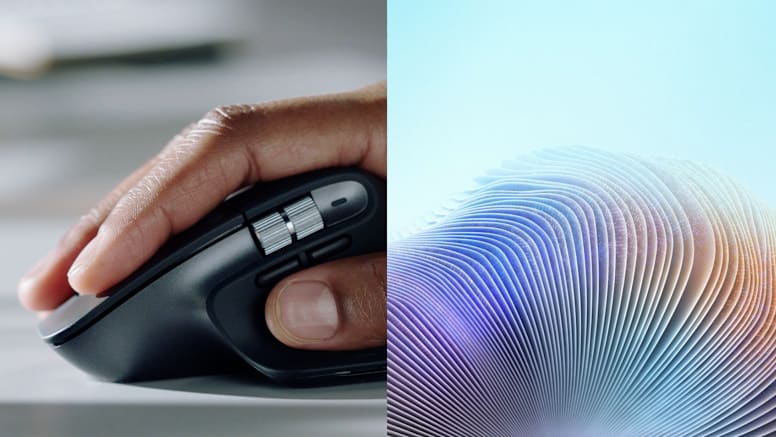
Work comfortably with an ergonomic silhouette crafted to support your palm and fingers. Textured surfaces provide a confident grip for total control. The unique tilt angle of MX Master 3S positions your arm in a more natural posture for better comfort. Optimally placed thumb controls are positioned for quick, intuitive access and fast navigation. The side scroll wheel follows the natural movement of the thumb for fluid and intuitive horizontal navigation.


 Fast shipping
 Easy returns
 Support 24/7