


Insta360 X5 Replacement Lens Kit, Single Lens - Gray
Tax included.
 Fast shipping
 Easy returns
 Support 24/7
خيارات التقسيط المتاحة
خيارات التقسيط المتاحة
قيمة القسط الموضحة تقريبية (جميع طرق الدفع متاحة عند الشراء).
في التقسيط البنكي، يوجد رسوم إدارية مضافة إلى قيمة القسط حسب كل جهة.
Description
Insta360 X5 Replacement Lens Kit, Single Lens - Gray Spec:
| Brand | Insta360 |
|
How to Use |
1. Watch the tutorial video and read the instructions carefully. Insta360 is not liable for any damage caused by failure to follow the instructions. 2. This kit should only be used to replace scratched lenses caused by minor bumps or knocks. It is not recommended for the following: - Cracked lenses - Deformed lens rings - Worn lens rings or lens grip tool - Badly damaged battery, touchscreen, or other camera components 3. To ensure the camera lenses are clean: - Use this kit in a clean indoor environment to prevent the lenses from collecting dust. - Avoid using when the humidity is over 60% or outdoors to prevent the lenses from fogging or collecting dust. If humidity exceeds 60%, use a dehumidifier to remove excess moisture. Use a hygrometer and local weather updates to monitor conditions, particularly in humid areas, to prevent the lenses from fogging. |
| Remove Lens Ring |
1. Align the orange mark on the lens grip tool with the white mark on the lens ring. 2. Rotate the lens grip tool twice counterclockwise until the lens ring is loose. 3. Lift the lens grip tool to remove the lens ring. Note: If the lens ring slips from the lens grip tool, place it back and ensure the orange and white marks are aligned. 
|
| Remove Lens |
1. Use the removal tool to gently lift the edge of the old lens and remove it. Note: If the rubber seal around the inner lens comes loose, place it back in its original position before continuing.  |
| Replace Lens |
1. Pinch the suction cup with your fingers to pick up the new lens from the lens case and install it. |
| Install Lens Ring |
1. Align the lens ring with the camera and rotate the lens grip tool twice clockwise to install. 2. Remove the suction cup once the lens ring is installed.  |
| Confirm Installation |
1. The new lens is installed correctly if the lens ring is level with the camera and not misaligned. 2. If replacing the front lens, the white mark on the lens ring should align with the microphone. If replacing the rear lens, the white mark on the lens ring should align with the center of the wind guard. 3. After replacing the lens, use the in-camera Stitching Calibration feature in settings.  |
| Material | Glass, Plastic, Silicone |
|
Dimensions (1x lens) |
25.3×25.3x6.25mm (1x1x0.2in) |
|
Weight (1x lens) |
6.8g (0.2oz) |
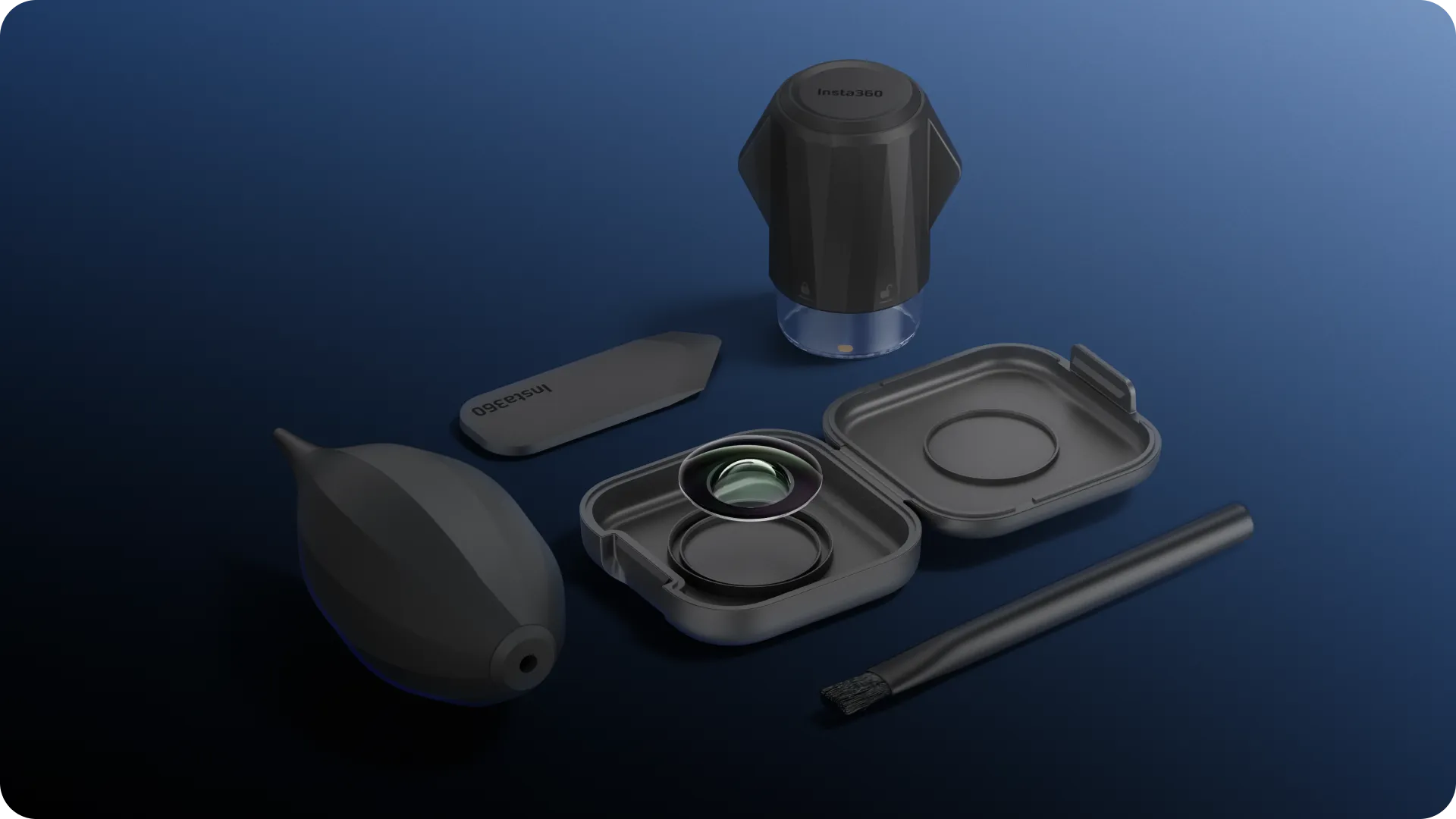
| In The Box | 1x Replacement Lens 1x Lens Grip Tool 1x Lens Blower 2x Lens Cloths 2x Cleaning Wipes 1x Removal Tool 1x Brush 1x Disposable Gloves 1x Lens Case |
| Model | CINSBAHB |
| Color | Gray |
| Warranty | 12 Month |
Overview For Insta360 X5 Replacement Lens Kit, Single Lens - Gray
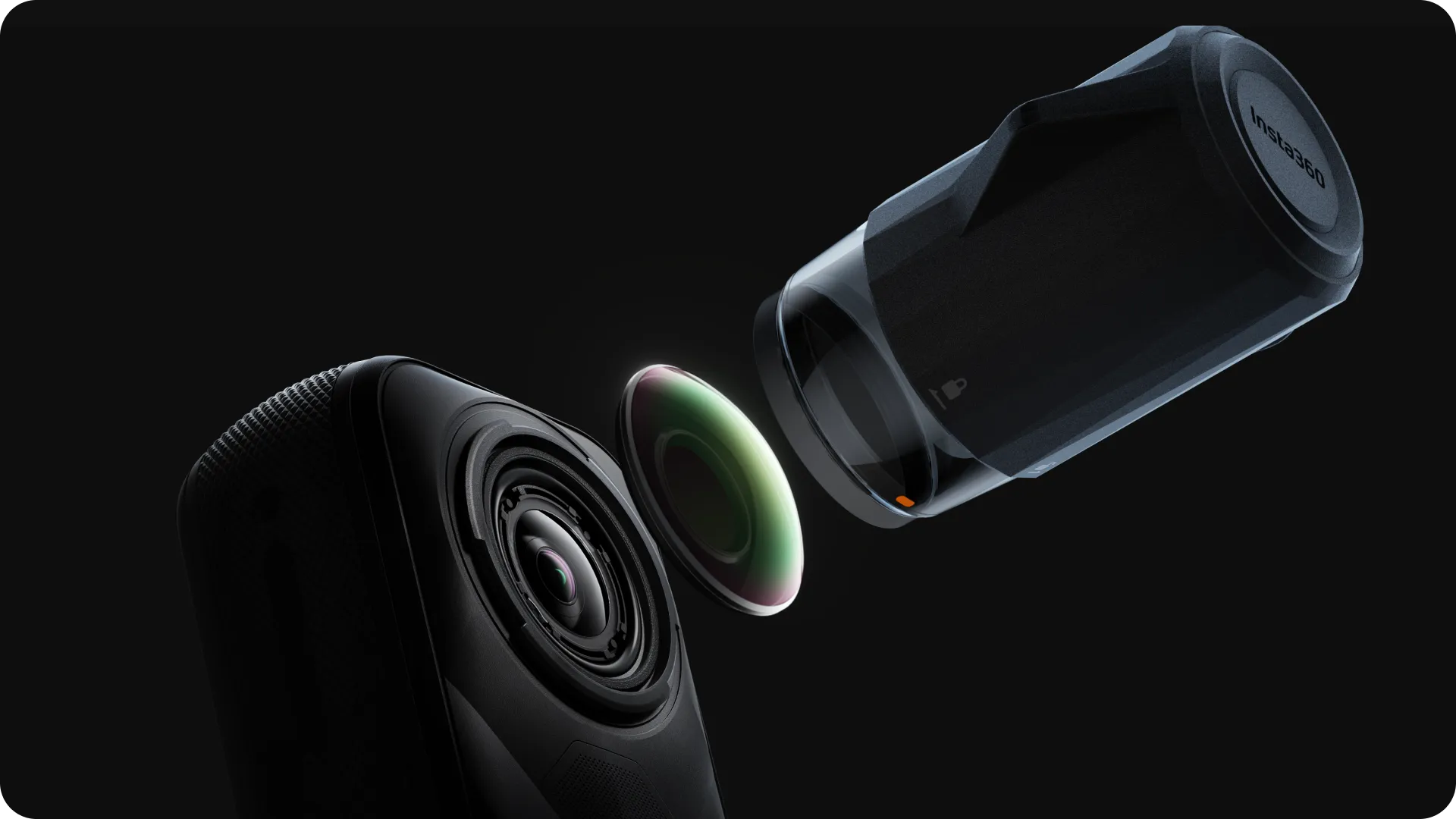
Crashed out? No worries.
X5's new replaceable lens design lets you swap out damaged lenses in a snap.
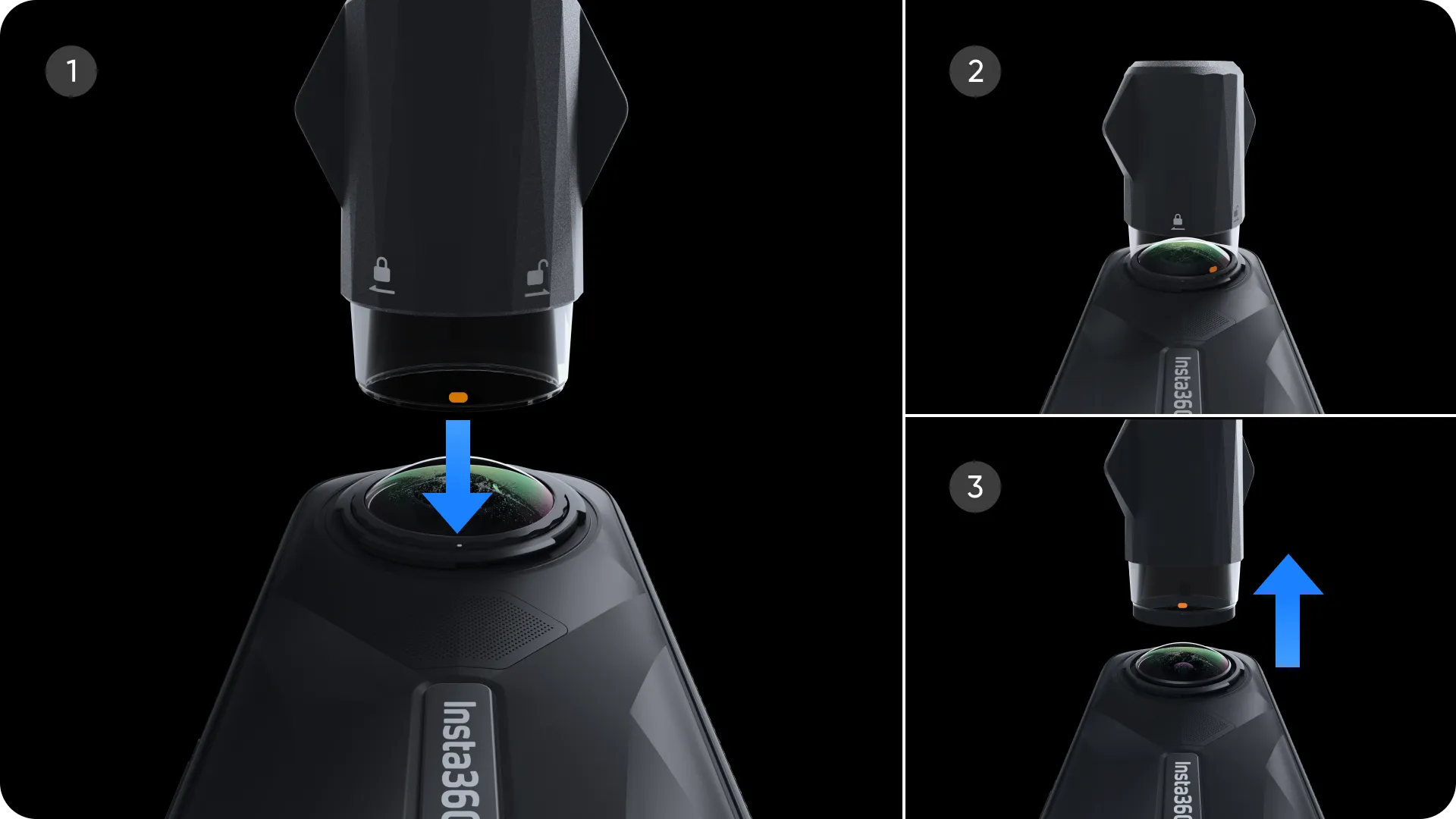
Full kit. Fast fix.
Includes one official replacement lens for Insta360 X5, plus all the tools you need to replace and clean them at home or home base.
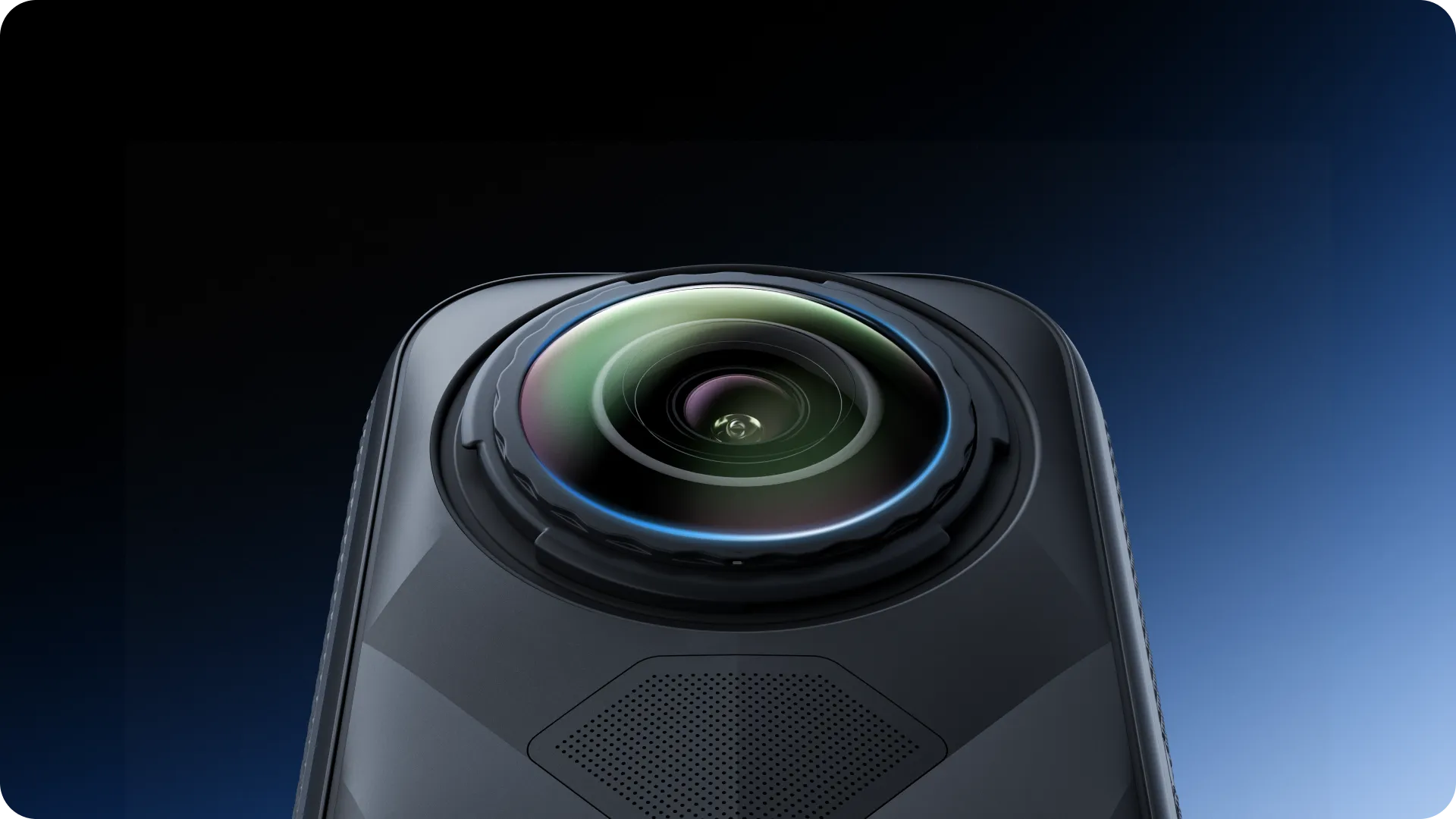
Fresh Lens. Original Quality.
The replacement lens provides a seamless fit with the same outstanding optical performance as the original.
Additional Information
| Color |
Gray |
|---|