

Description
Insta360 X5 Premium Lens Guards - Black Spec:
| Brand | Insta360 |
| How to Use |
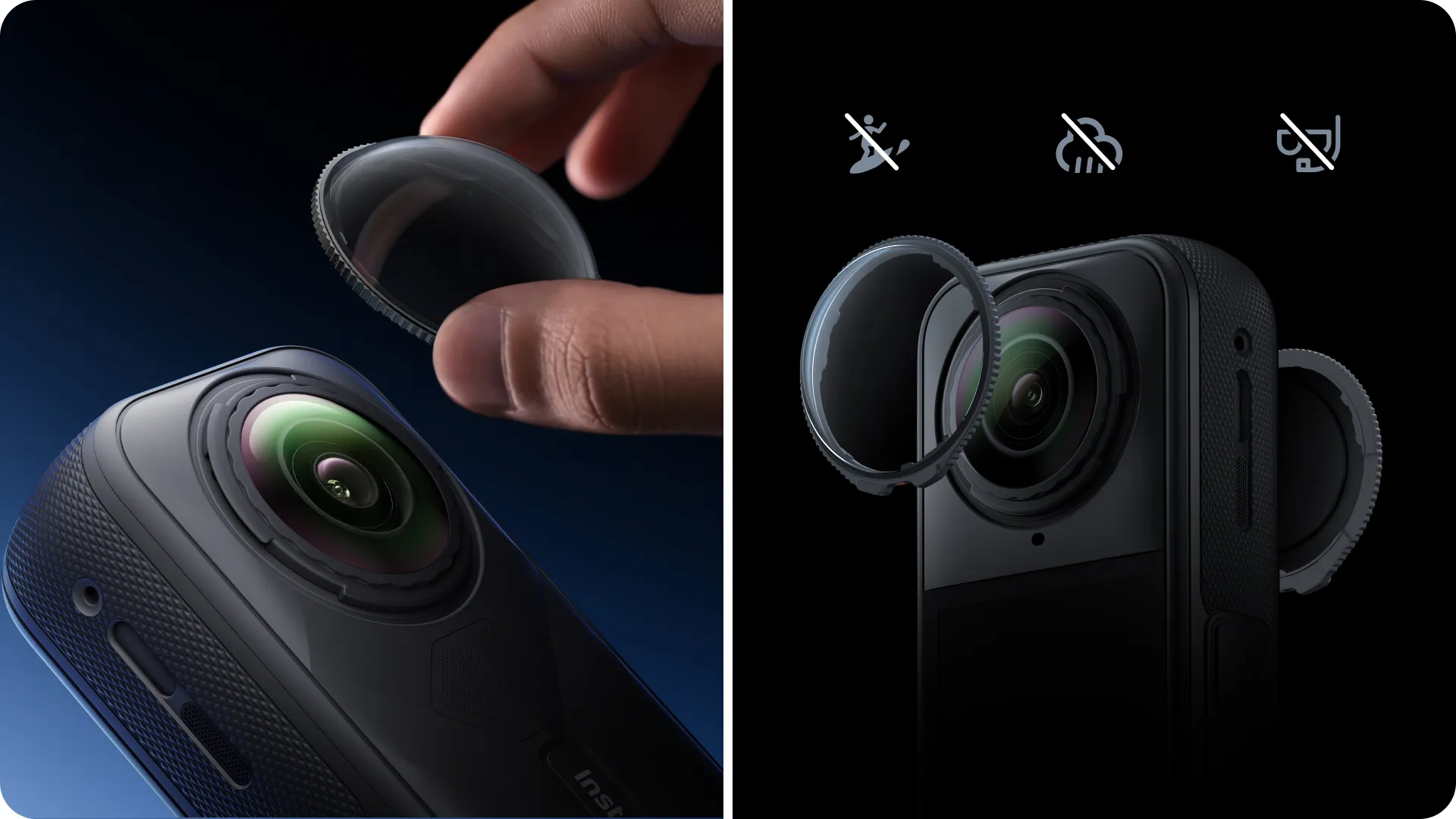
1. Install the Lens Guards Align the notch on the Lens Guard with the lower right slot of the lens, as shown below. Then, rotate the Lens Guard clockwise until the notch is aligned with the microphone. Repeat with the second lens.  2. Confirm Installation After the Lens Guard is installed on the screen side, an icon will appear in the camera's status bar, followed by a popup message. Tap the prompt to confirm.  3. Remove the Lens Guards Hold down the edge of the base of the Lens Guard as shown and rotate counterclockwise to remove. After removal, the icon in the status bar will disappear.  |
| Material | Glass, Plastic, Neodymium Magnet |
|
Size |
35.7x35.2x11.65mm (1.4x1.4x0.5in) |
|
Weight |
4.2g (0.2oz) |
| In The Box | 2x Premium Lens Guards 1x Lens Cloth |
| Model | CINSBAHC |
| Color | Black |
| Warranty | 12 Month |
Overview For Insta360 X5 Premium Lens Guards - Black
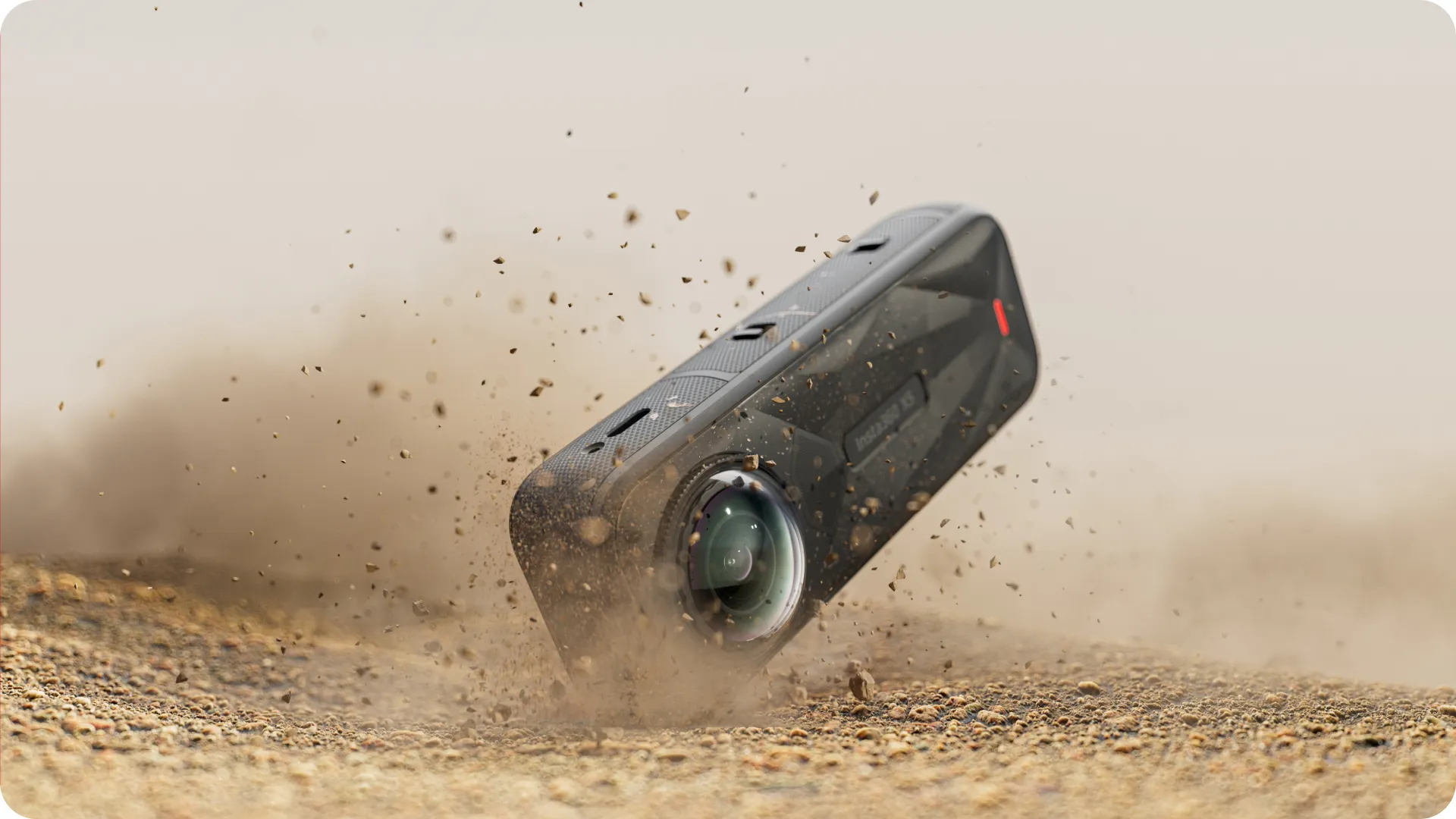
Clear When You Need. Tough When it Matters.
Tempered 10H* glass provides the protection X5's lenses need during intense activities.
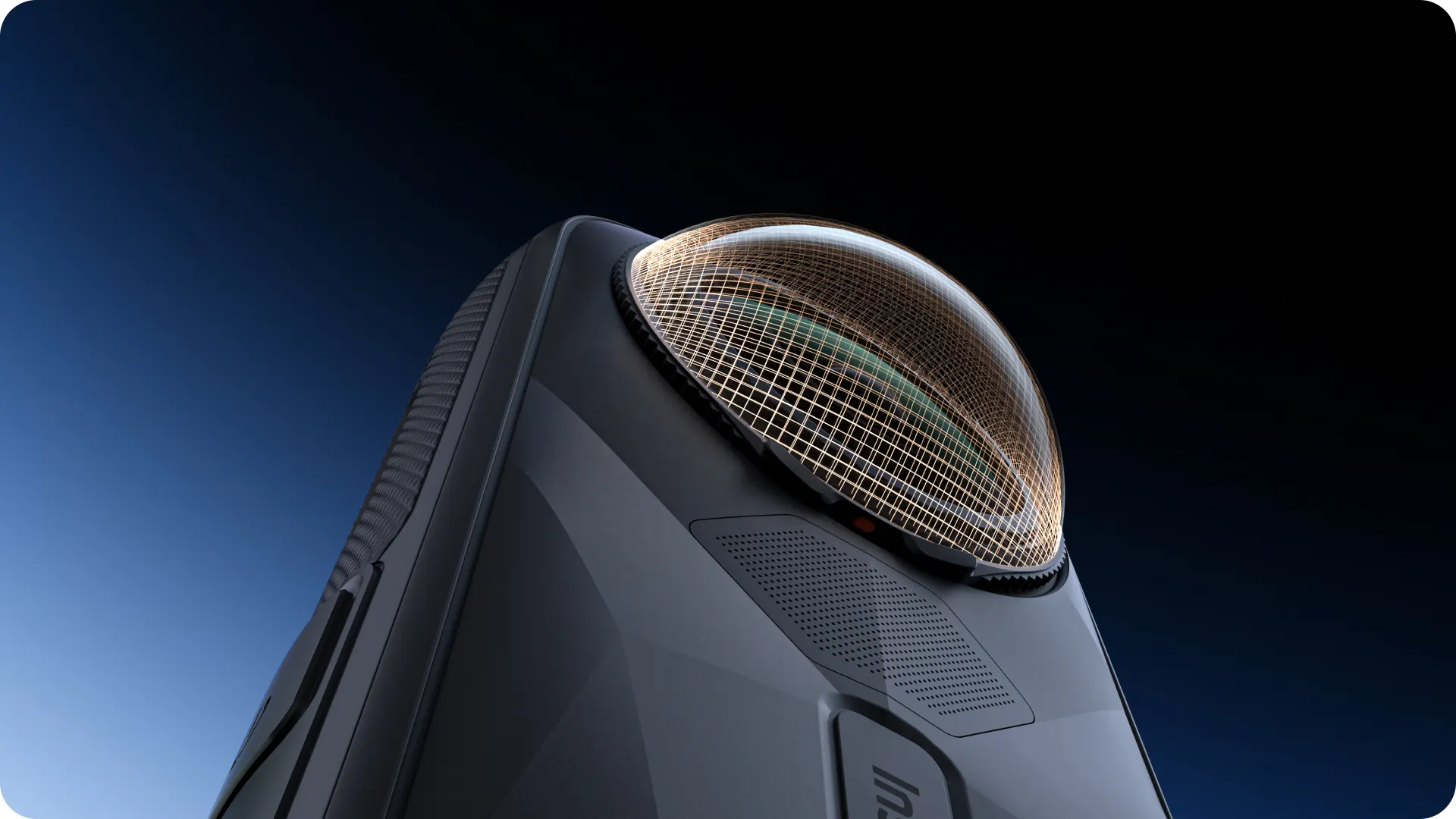
Layered Protection. Optimized Clarity.
Multi-coated to maximize light transparency and image quality.

Lens Guard Auto-Detect.
X5 automatically recognizes the lenses, removing the need to manually change the settings.
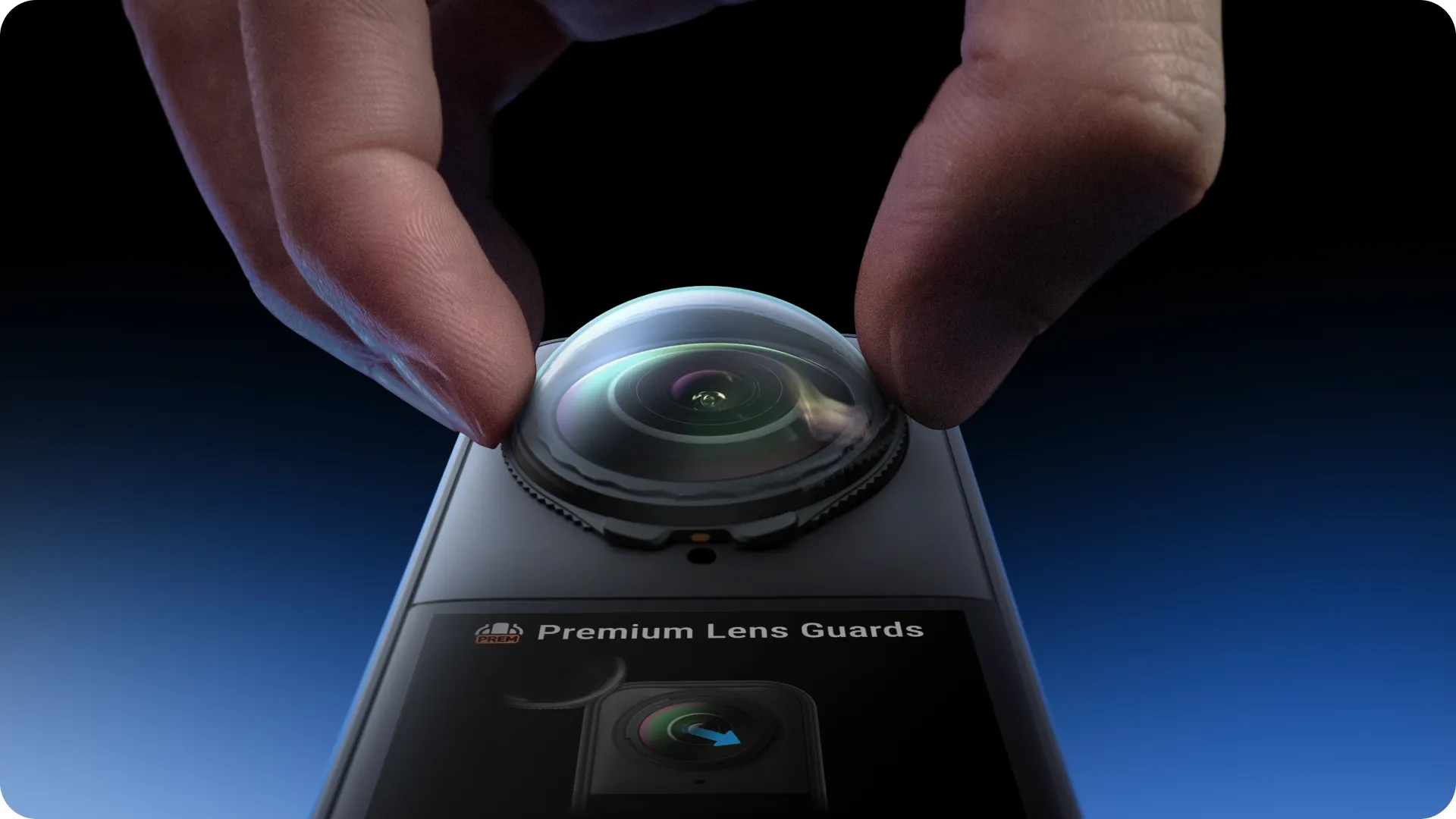
Complete Protection. Seamless 360.
Works with the stitching algorithm to create seamless 360 shots automatically.

Just Twist to Switch.
Install and remove with easy twist action.