

Description
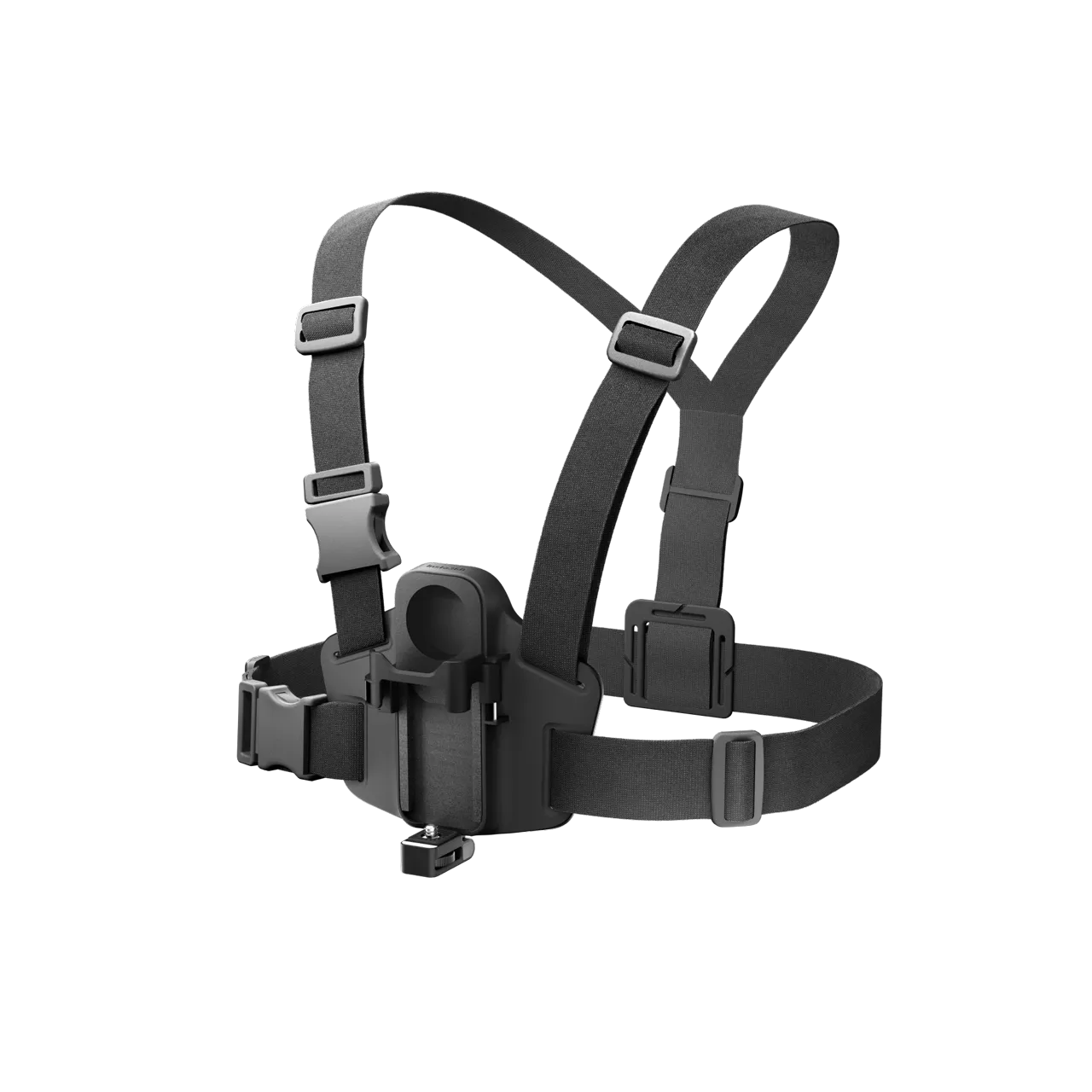
Insta360 X5 POV Chest Mount - Black Spec:
| Brand | Insta360 |
| How to Use | 1. Activate POV Chest Mount Mode How to Turn On Swipe down on the camera touchscreen to access the Shortcut Menu. Tap on Accessories and enable POV Chest Mount Mode. When using POV Chest Mount Mode, we recommend filming in FreeFrame Video Mode for the best results. If your current shooting mode is not Single-Lens Video, Photo, Loop Recording, or FreeFrame Video, the camera will automatically switch to FreeFrame Video. When using FreeFrame Video, it is recommended to activate Horizon Lock in the Shooting Specifications Settings.  How to Turn Off Tap Turn off POV Chest Mount Mode on the touchscreen and then confirm on the next page. 3. Wear POV Chest Mount You can adjust the fit of the POV Chest Mount using the five adjustment points.  Image Description: Figure (1): Adjust the shoulder and waist straps using the adjustment points to achieve a comfortable fit. |
| Weight | 277g (9.8oz) |
| Material | Plastic - Aluminum - Fabric - Foam |
| In the Box | 1× POV Chest Mount 1× Extra Mic Windshield |
| Model | CINSEAVQ |
| Color | Black |
| Warranty | 12 Months |
Overview For Insta360 X5 POV Chest Mount - Black
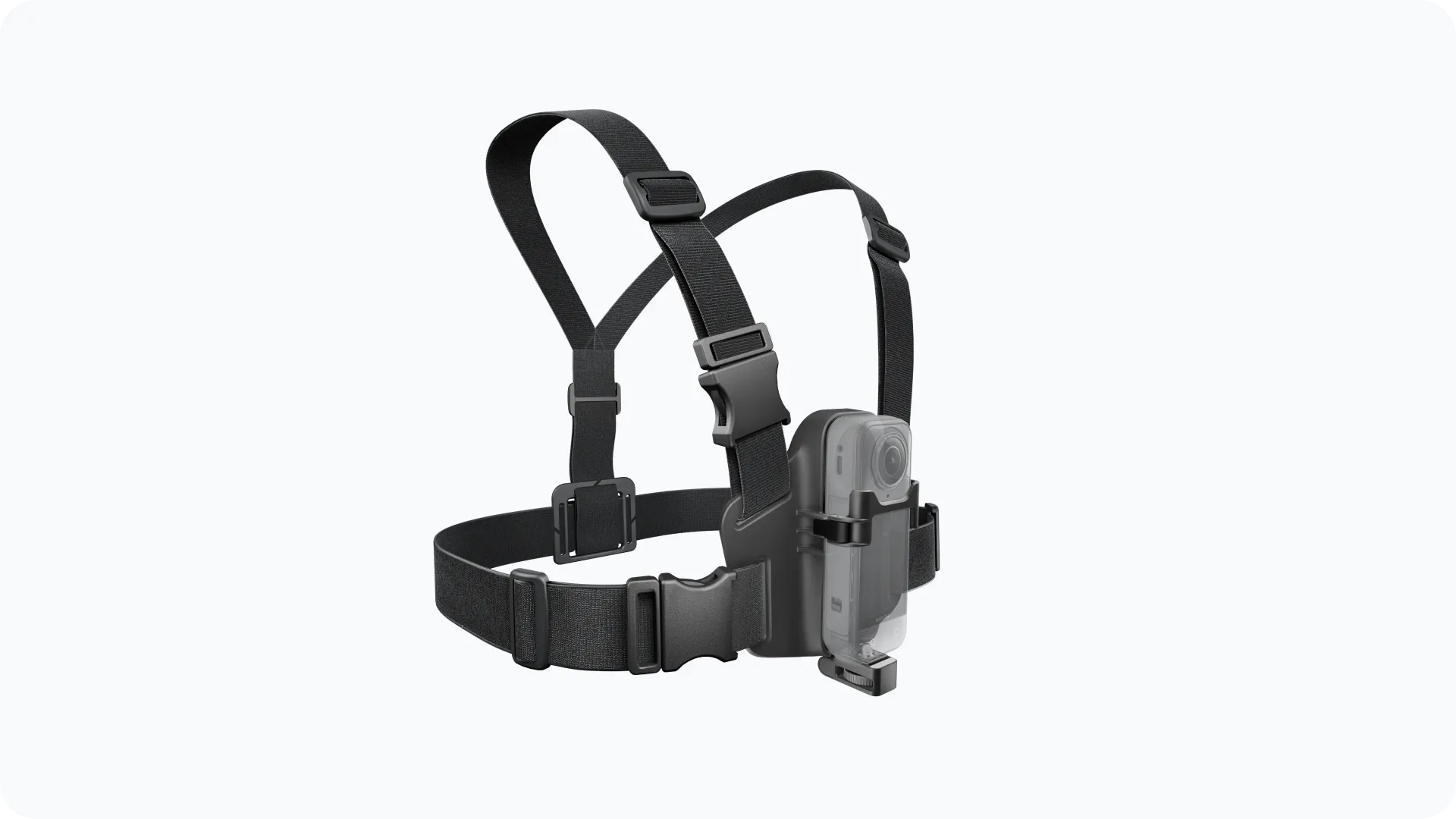
POV Chest Mount :Film the perfect POV.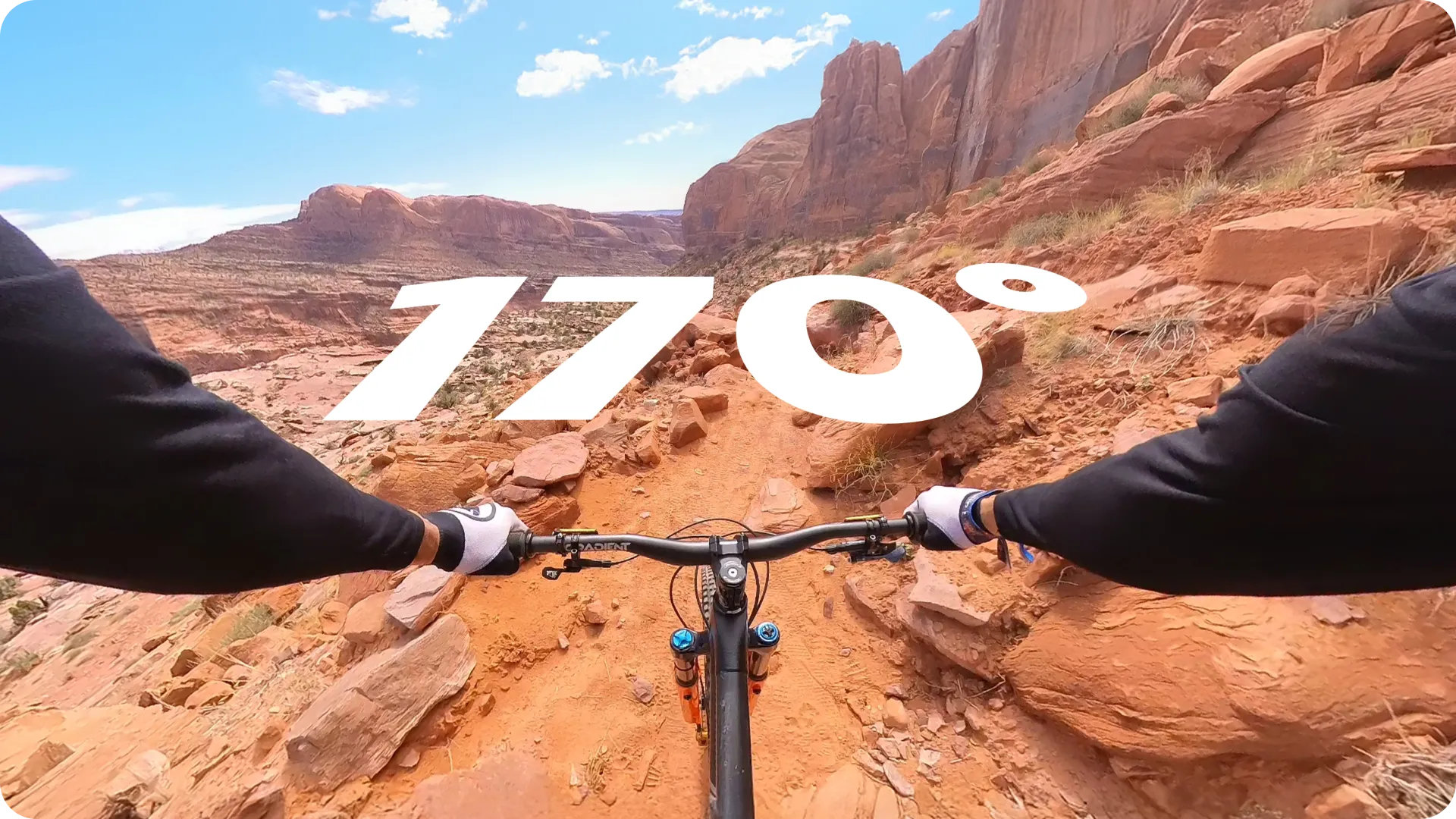
Wider-than-ever angles.
Capture more of your handlebars or skis with Single-Lens Mode's FreeFrame Video—maximizes your POV with an ultra-wide 170º field of view.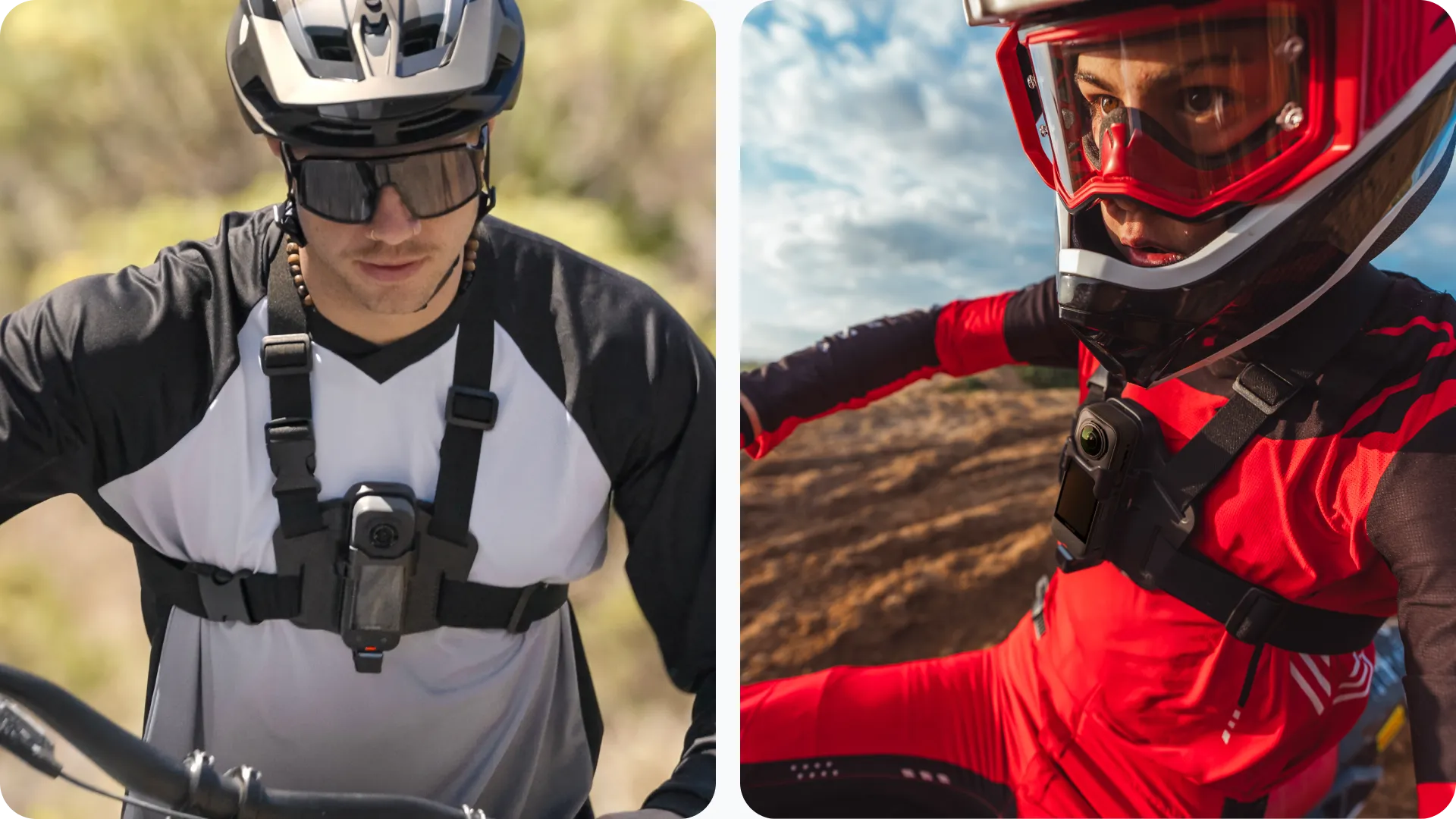
Born to be wild.
Made for off-road and off-piste with your Insta360. Film super stable, hands-free footage as you navigate trails and tracks.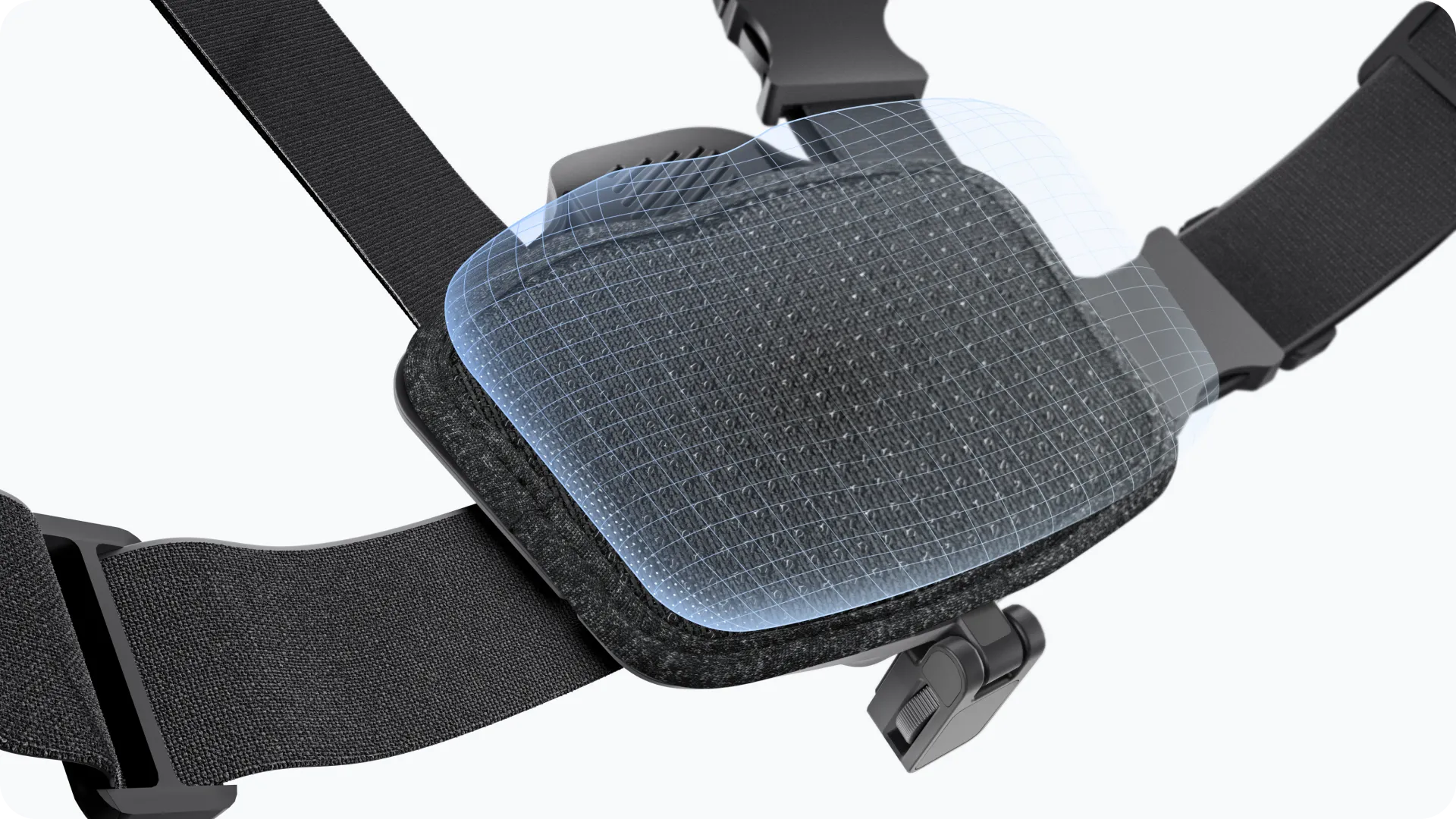
Constructed for comfort.
Upgraded non-slip design with an adjustable elastic band to fit a wide range of body types and clothing.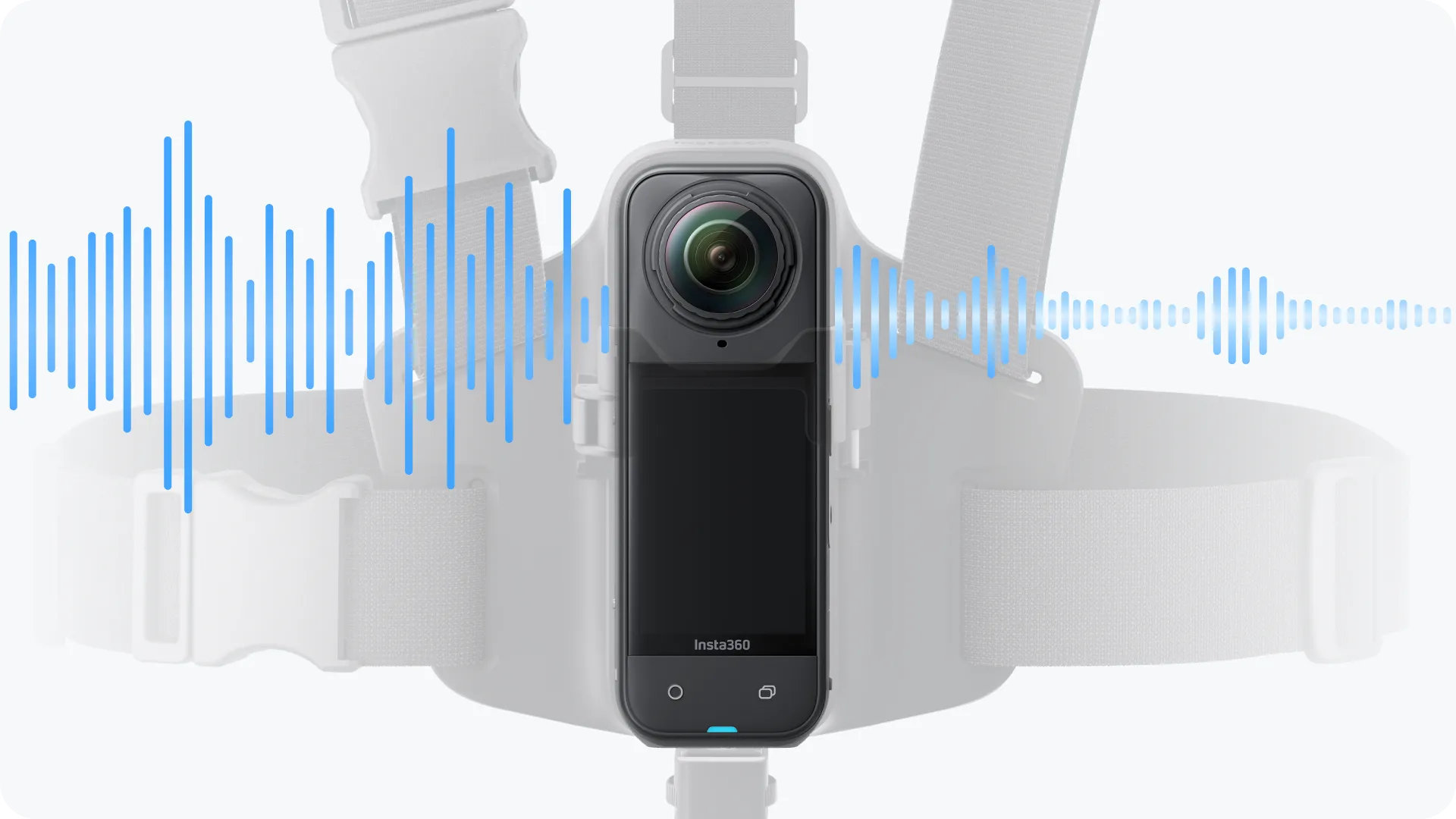
The real experience.
Unique structure designed for airflow and noise reduction means clearer, more immersive audio that shows off your real speed.